Price list
Services
Starting prices in Ottawa, ON. Every job is quoted on-site once we have seen the space, so these are a baseline, not a final bill.
Illustrative photos
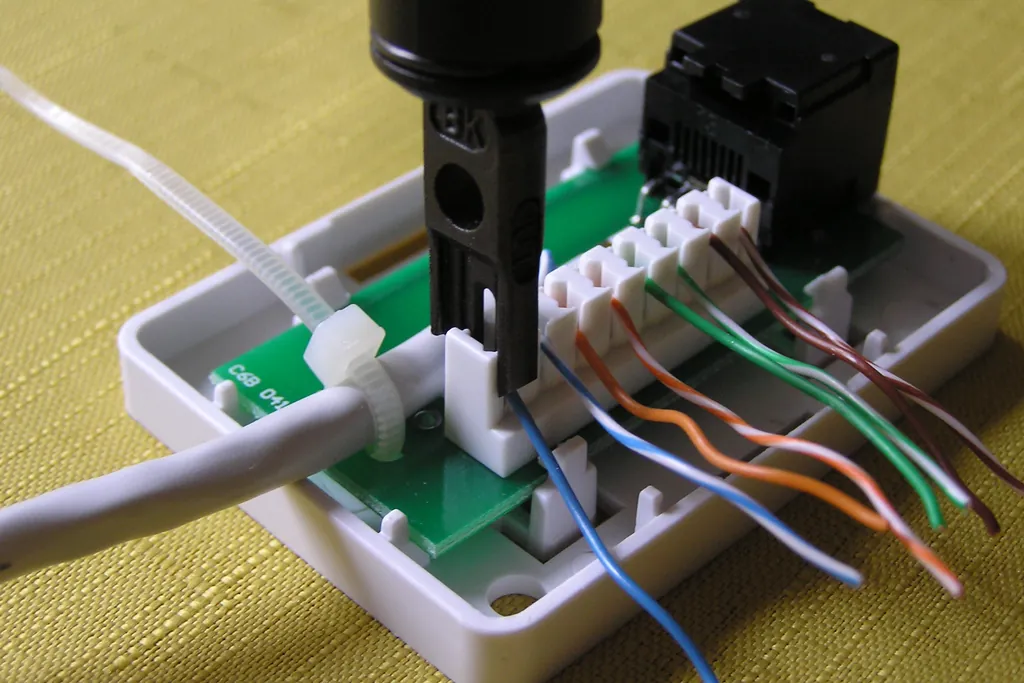
Ethernet Cabling
Internet outlets in the rooms that need them
- What it is
- A network cable run through your walls from your router to a room you pick. It ends in a small jack that looks like a regular outlet. You plug straight into it. In the trade each one is called a drop.
- Who it is for
- You have a room where the Wi-Fi keeps stalling. A home office where dropped calls matter. A TV that buffers. A gaming setup. You have already tried moving the router and one corner is still bad.
- What we do
- We look at where your internet comes in and where you need it, then agree on the route. We run the cable through the basement, attic, or wall so it stays out of sight. We fit the wall plate, test the line, and label both ends.
- What you end up with
- A finished jack in every room you asked for, wired back to your equipment. Tested, labelled, and no cable taped along the baseboard.
Starting prices
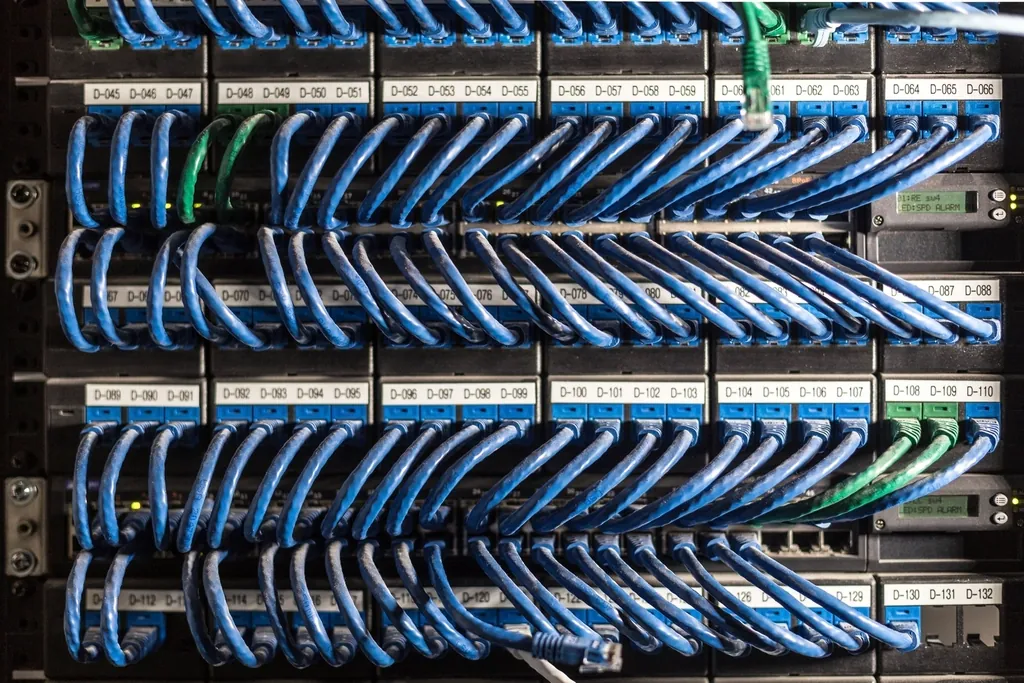
Patch Panels and Network Cabinets
One tidy spot where all the cables come together
- What it is
- A patch panel is a labelled strip, usually in your basement or a closet, where every cable in the house ends up. A cabinet is a box that holds it along with your modem, router, and switch.
- Who it is for
- You are wiring more than a couple of rooms. Or you open the utility closet and find a knot of cables nobody can identify.
- What we do
- We mount the panel or cabinet somewhere out of the way. We land every cable on it in order, label each port, and tidy the gear and power so nothing hangs by its own weight.
- What you end up with
- A labelled panel you can read, with your equipment mounted beside it. When something needs changing, you can see which cable goes where in about ten seconds.
Starting prices
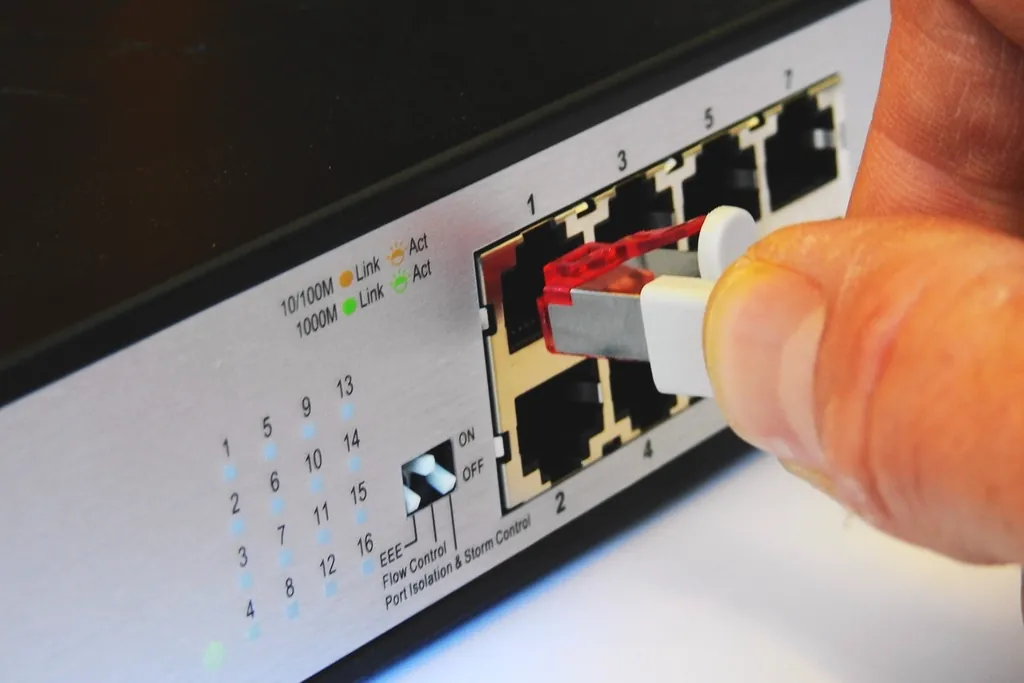
Network Equipment Installation
Routers, switches and Wi-Fi, set up properly
- What it is
- Setting up the boxes your network runs on. A router shares your internet. A switch adds more wired ports. An access point is a Wi-Fi unit mounted where you actually need signal, instead of wherever the modem happens to sit.
- Who it is for
- You have a dead zone upstairs or out back. You just upgraded your internet plan and are not seeing the speed. Or you moved into a house that came with wiring but nothing set up.
- What we do
- We work out where the gear should go for the best coverage, then mount and connect it. We set up your network name and password. Then we walk the house and check the signal in the rooms you actually use.
- What you end up with
- Working equipment in the right places. One Wi-Fi name that follows you around the house. Your passwords and details written down.
Starting prices
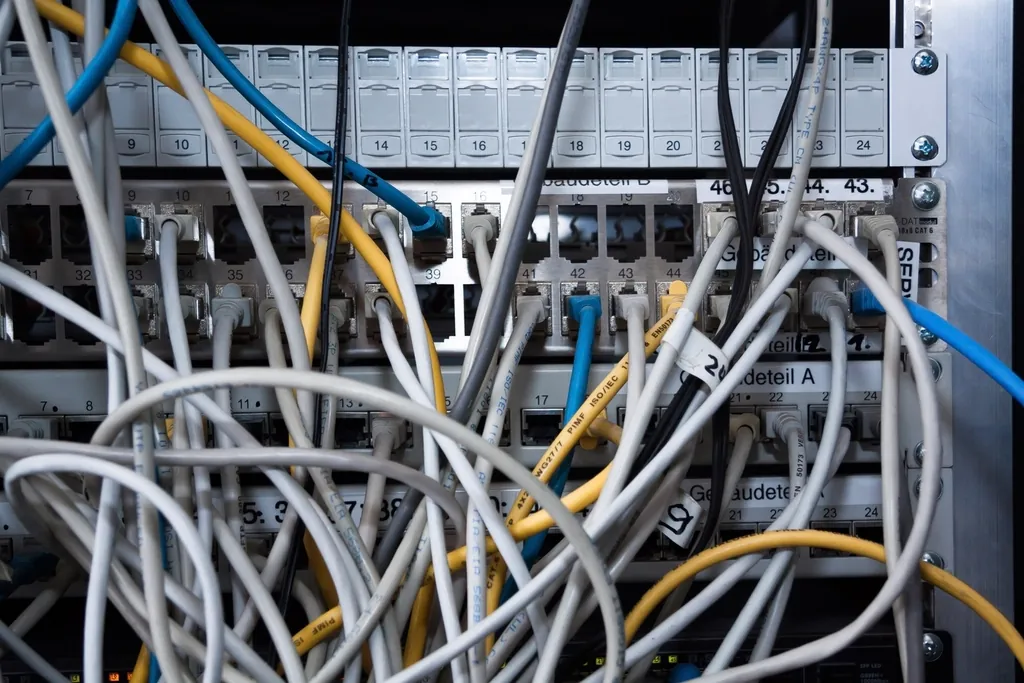
Home Network Upgrades
Fixing and improving what you already have
- What it is
- Repair and improvement work on a network you already have. Tracing a cable that stopped working. Finding out why speeds are low. Moving equipment somewhere better. Cleaning up wiring the last owner left behind.
- Who it is for
- You have had the same slow spot for years. You inherited mystery cables when you bought the house. Or everything worked until something changed and nobody can say what.
- What we do
- We find out what is actually wrong instead of guessing, which usually means testing the cables and equipment you already have. Then we repair, replace, or move whatever is causing it, and tidy the rest while we are in there.
- What you end up with
- A network that behaves, and a plain explanation of what was wrong and what we changed.
Starting prices
Smart Home Wiring
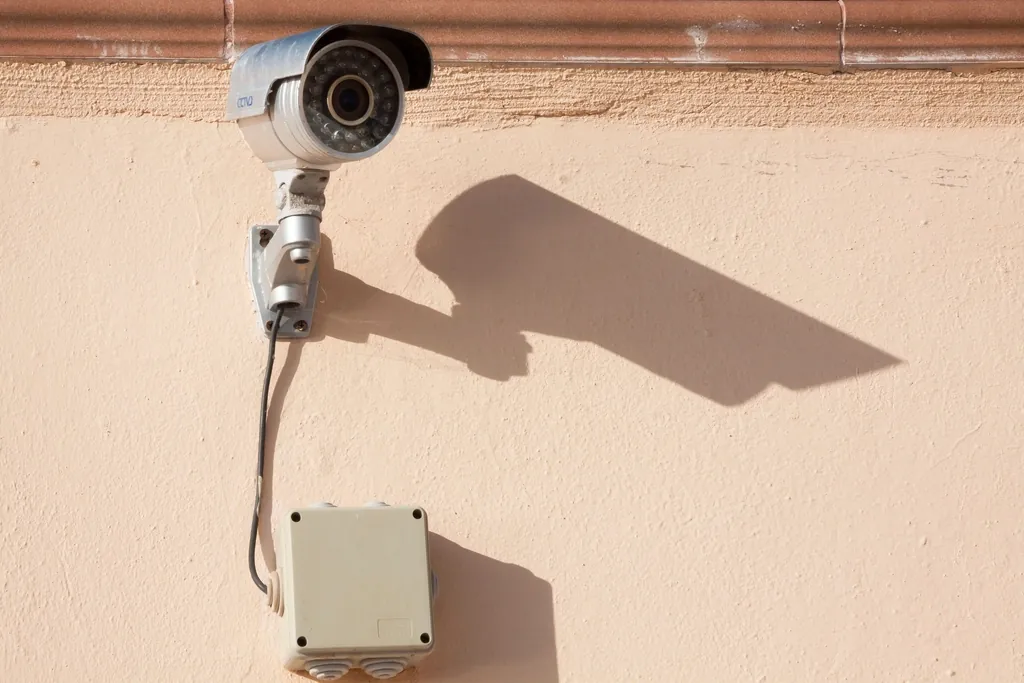
Cabling for cameras, doorbells and TVs
- What it is
- The cable side of smart-home gear. Cameras, video doorbells, and wall-mounted TVs all work better on a wire than on Wi-Fi and a battery. One cable can carry both the power and the picture to a camera.
- Who it is for
- You are adding cameras and do not want to charge batteries or watch footage stutter. You are mounting a TV and do not want cables hanging down the wall. Or your walls are open for a build or renovation.
- What we do
- We agree on camera angles and outlet positions first. We run the cable to each spot and bring it out where the device mounts. For TVs we run it inside the wall so the screen sits flush.
- What you end up with
- Devices that are wired in and stay powered, with the cable hidden. Cameras that keep recording without battery swaps. A TV wall with nothing showing.
Starting prices
Packages
Starter
$799
Get a few key rooms wired right.
- Up to 4 Cat6 drops
- Wall plates
- Testing
- Cable labelling
Home Office
$1,299
A reliable, organized work-from-home network.
- Up to 8 Cat6 drops
- Patch panel
- Cable management
- Testing
- Network cabinet (optional upgrade)
Whole Home
$2,499+
A complete, documented network for the entire house.
- Up to 16 Cat6 drops
- 24-port patch panel
- Network cabinet
- Switch installation
- Full cable management
- Documentation & labelling
Add-ons
- Patch cords
- UPS (battery backup) installation
- Rack shelves
- Cable management panels
- Surge protection
- NAS setup
- Printer / network device setup
- VLAN configuration
- Guest Wi-Fi configuration
- Parental controls
- Remote management setup
Areas we serve
Ottawa, ON
Including Kanata, Barrhaven, Orleans, Nepean, Stittsville, Gloucester, Manotick, Riverside South, Westboro, The Glebe.
Property types
- Residential homes
- Home offices
- New construction
- Renovations
- Small businesses
Get a quote
Tell us which rooms you want wired and we will get back to you.
Request a quote