About us
We wire homes and small offices in Ottawa, ON.
PiNet Systems installs network cable in homes and small businesses. We run the cable through your walls, fit the wall jacks, and set up your router and Wi-Fi. Then we test every line and label it.
Most people call us about one room. The office drops calls. The TV buffers. The back bedroom has no signal. Moving the router just moves the problem to a different room. A cable fixes that room for good.
In plain terms
What structured cabling means
It means we run permanent network cable to a plan. The cable goes inside your walls, ceiling, or basement. It comes out at a small jack on the wall that looks like a regular outlet.
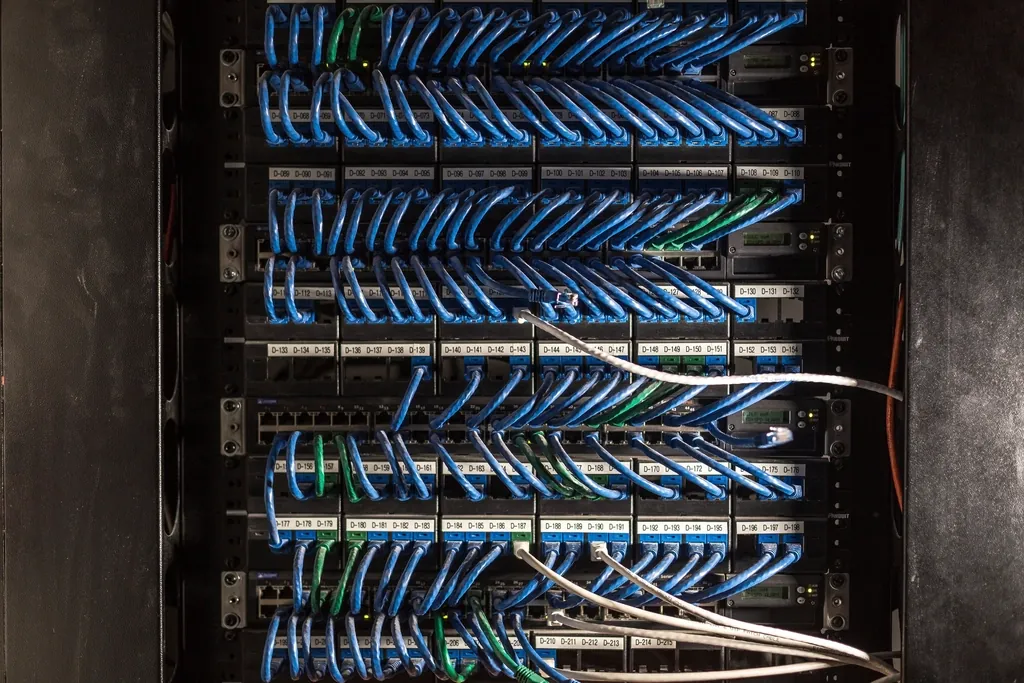
Each of those runs is called a drop. Every drop ends up in one place, usually your basement or a closet. They land on a patch panel, which is a labelled strip where all the cables in the house come together.
Your modem, router, and switch sit beside it. That is the whole idea. One tidy spot, one known cable per room, and a label on both ends so you can tell what is what in ten years.
Who we work with
Most of our work is in homes.
Homes
You want every room to work, not just the ones near the router. Usually that is a few wired rooms plus better Wi-Fi.
Home offices
You work from home and cannot have calls dropping. One wired jack at your desk fixes the most common cause.
New builds
Your walls are still open. This is the cheapest time to wire a house, and the easiest.
Renovations
You are opening up rooms anyway. We add cable while the walls are open and clean up old wiring we find.
Small business
You need a few reliable wired points, a tidy panel, and Wi-Fi that covers the floor. We can work evenings so you do not lose a day of business.
What we do
Five ways we help
Ethernet Cabling
Internet outlets in the rooms that need them
A network cable run through your walls from your router to a room you pick. It ends in a small jack that looks like a regular outlet. You plug straight into it. In the trade each one is called a drop.
Patch Panels and Network Cabinets
One tidy spot where all the cables come together
A patch panel is a labelled strip, usually in your basement or a closet, where every cable in the house ends up. A cabinet is a box that holds it along with your modem, router, and switch.
Network Equipment Installation
Routers, switches and Wi-Fi, set up properly
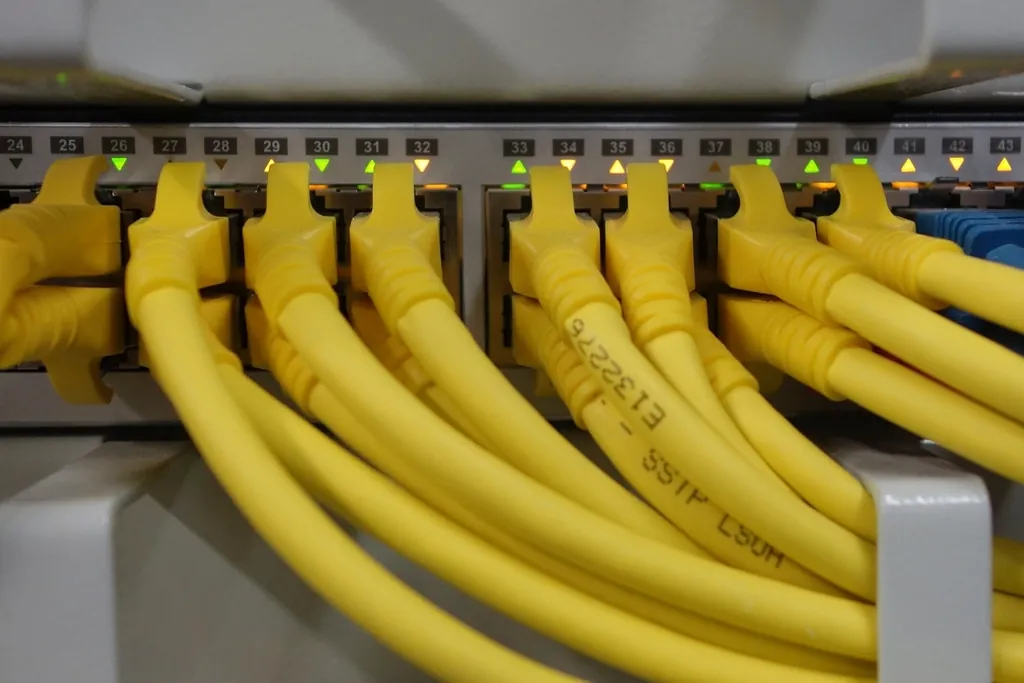
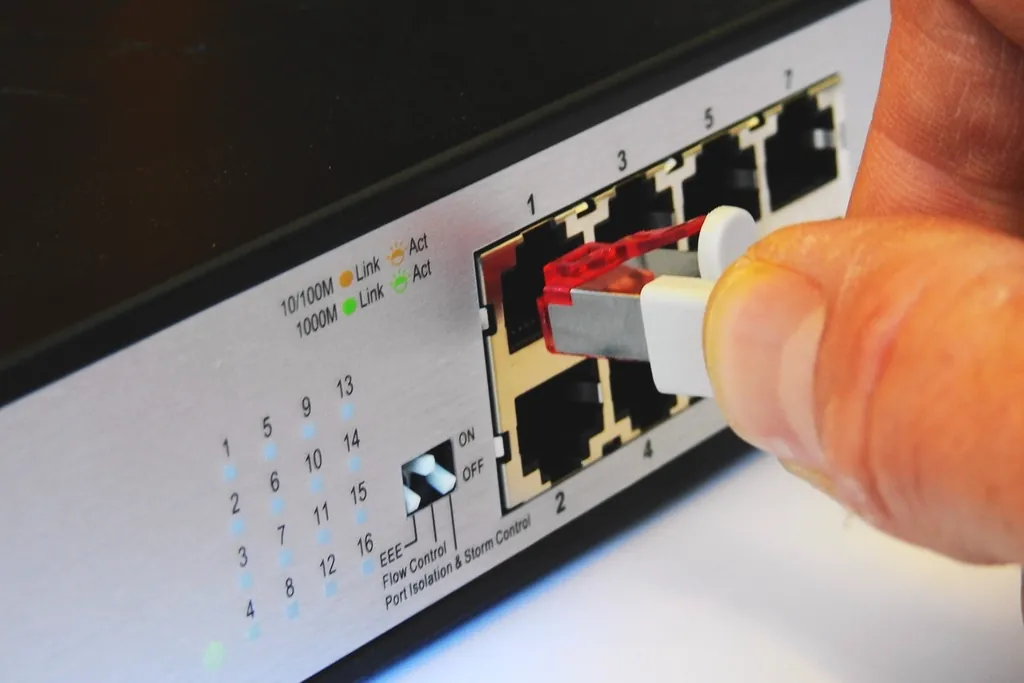
Setting up the boxes your network runs on. A router shares your internet. A switch adds more wired ports. An access point is a Wi-Fi unit mounted where you actually need signal, instead of wherever the modem happens to sit.
Home Network Upgrades
Fixing and improving what you already have
Repair and improvement work on a network you already have. Tracing a cable that stopped working. Finding out why speeds are low. Moving equipment somewhere better. Cleaning up wiring the last owner left behind.
Smart Home Wiring
Cabling for cameras, doorbells and TVs
The cable side of smart-home gear. Cameras, video doorbells, and wall-mounted TVs all work better on a wire than on Wi-Fi and a battery. One cable can carry both the power and the picture to a camera.
Not sure which one you need? Describe the problem on the quote form. We will tell you what it takes to fix it.
Request a quoteHow a job works
Five steps, every job.
We quote on-site first. The price comes from your actual walls, not a guess over the phone.
- 1
Survey
Walk the space, map the runs and drop locations, and agree on the plan before anything is cut.
- 2
Pull
Run Cat6 or Cat6A from the backbone to each location, kept clean and out of the way.
- 3
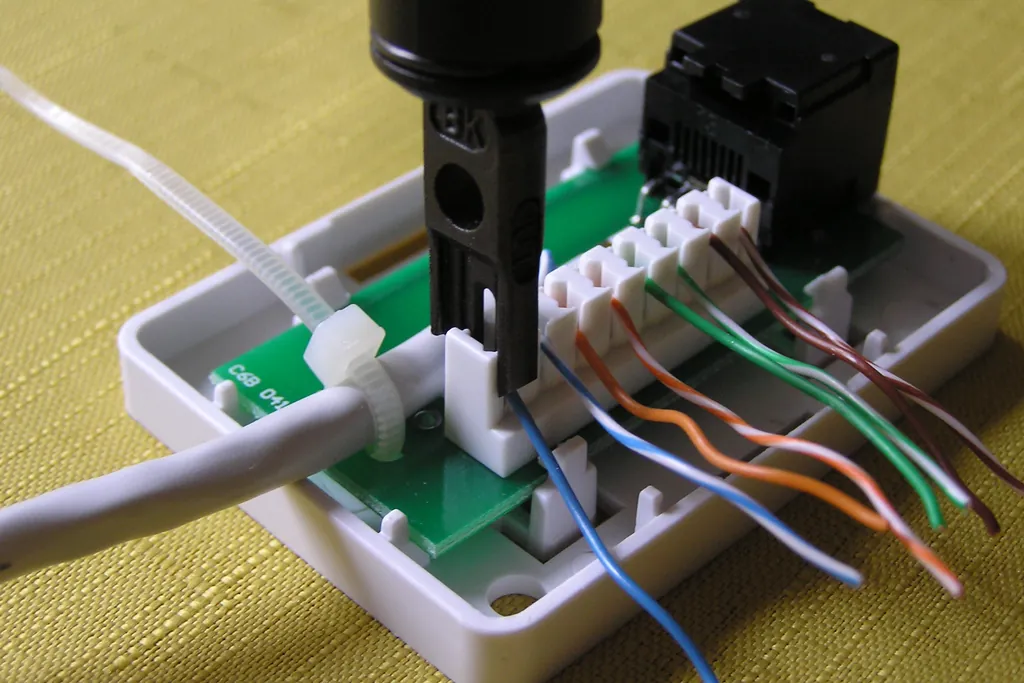
Terminate
Keystone jacks, wall plates, and a patch panel so every run lands somewhere tidy.
- 4
Certify
Test every drop and confirm it passes, so you know the cable is good before we leave.
- 5
Document
Label both ends and hand over a simple map of the network for the next change.
The standard
What tidy cabling looks like
Illustrative photos


Common questions
What people ask before booking
Can I just buy a mesh Wi-Fi system instead?
Sometimes that is the right answer. But mesh units talk to each other over the air unless you run a cable between them. So the far unit is fighting for the same airtime it is meant to fix. Run one cable to each unit and mesh works properly. That is why wiring and Wi-Fi are usually the same job, not competing options.
I just got fibre. Should my provider not have sorted this out?
Your provider brings the line to the building and stops at the box. Everything past that point is your building's own wiring. That is why a new gigabit plan often looks no different upstairs. The connection is fine. The last thirty feet is not.
How much does it cost?
Starting prices for every item are on the services page. The final number comes from an on-site visit. Your walls decide the price: how far the cable travels and what it has to get past. We would rather look than guess.
Do you have to cut holes in my walls?
Usually yes, small ones. We agree where they go before anything is cut. Most cable runs through the basement, attic, or an inside wall, so what you see is a wall plate about the size of a light switch. What gets opened and what gets put back is written into the quote.
My house is finished, not a new build. Can it still be wired?
Yes. Most of our work is in finished homes. It takes more planning to find a path, which is what the walkthrough is for. If your walls are already open for a renovation, call before the drywall goes up. That is the cheapest time to do it.
Cat6 or Cat6A? Does it matter for a house?
Both are far faster than any home internet plan you can buy today. Cat6A has more room for long runs and future upgrades. The labour is the same either way, so it is often worth the small difference on runs you would hate to redo.
How do I know the work is any good once the wall is closed?
Every finished jack is tested with a meter before we leave, and both ends are labelled. Both are included, not extras. You get the results. Cabling is invisible once the wall closes, so the proof comes with the job.
Do I buy the router and switch, or do you?
Either way. If you already have equipment you want to keep, we will use it. If you would rather not pick it yourself, say so on the quote form and we will include it in the quote.
I rent. Is this worth doing?
Ask your landlord first, because it is permanent work on their building. If drilling is not allowed, there are surface-mounted routes that get a cable where you need it without opening walls. Tell us you rent on the quote form and we will size the options to that.
How long does a job take?
Small jobs are usually one visit. Bigger ones depend on how far the cable travels and how much of the house it crosses. You will be told how long yours takes at the walkthrough, before you commit to anything.
Network terms
The words that show up on a quote
Here is what each term on your quote actually means.
- Structured cabling
- Running permanent network cable through a building to a plan, instead of stringing cables across the floor as you need them.
- A drop
- One cable run from your equipment to one wall outlet. Four drops means four outlets.
- Cat6 and Cat6A
- Two grades of network cable. Both are fast enough for anything a home does today; Cat6A has more headroom over long runs and for future upgrades.
- Patch panel
- The labelled strip in your closet or basement where every cable in the house ends up, so they are all in one place.
- Keystone jack and wall plate
- The socket you plug into and the faceplate around it. The finished end of a drop.
- Terminating
- Fitting the ends onto a cable so it can be plugged in. A badly terminated cable is the most common cause of a line that half works.
- Access point
- A Wi-Fi antenna mounted where you need signal, fed by a cable. Better coverage than pushing one router harder.
- PoE (power over ethernet)
- Sending power and data down the same cable, so a camera or access point needs only one wire and no nearby outlet.
- Certification testing
- Putting a meter on each finished cable to prove it performs to spec, rather than just checking that a light comes on.
Areas we serve
Ottawa, ON
Including Kanata, Barrhaven, Orleans, Nepean, Stittsville, Gloucester, Manotick, Riverside South, Westboro, The Glebe.
Property types
- Residential homes
- Home offices
- New construction
- Renovations
- Small businesses
Tell us which room does not work.
Describe it in your own words. You do not need to know what anything is called.